AIM: to understand how pdf structure works and find as simple as possible a .pdf example with some text in it.
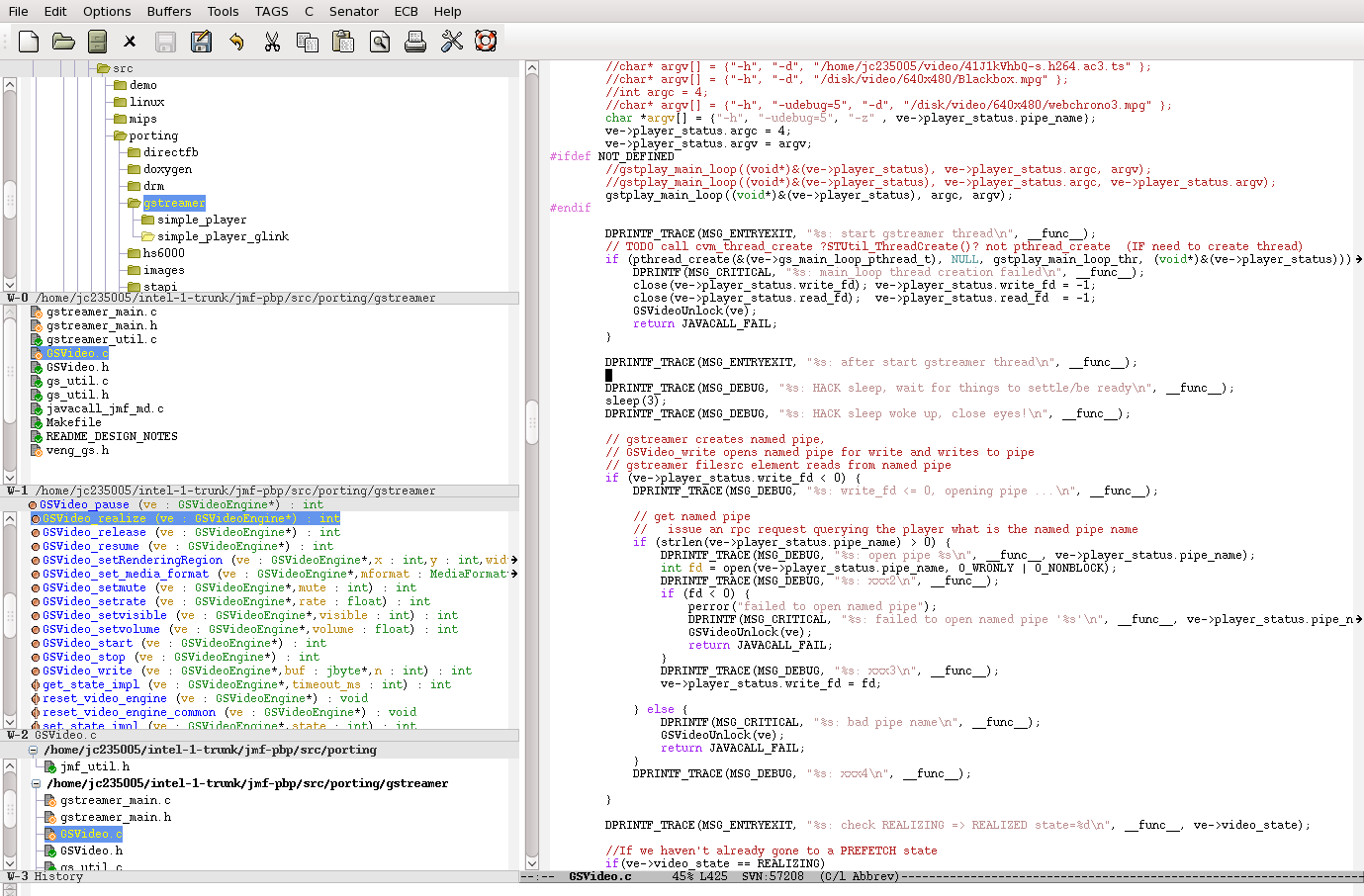
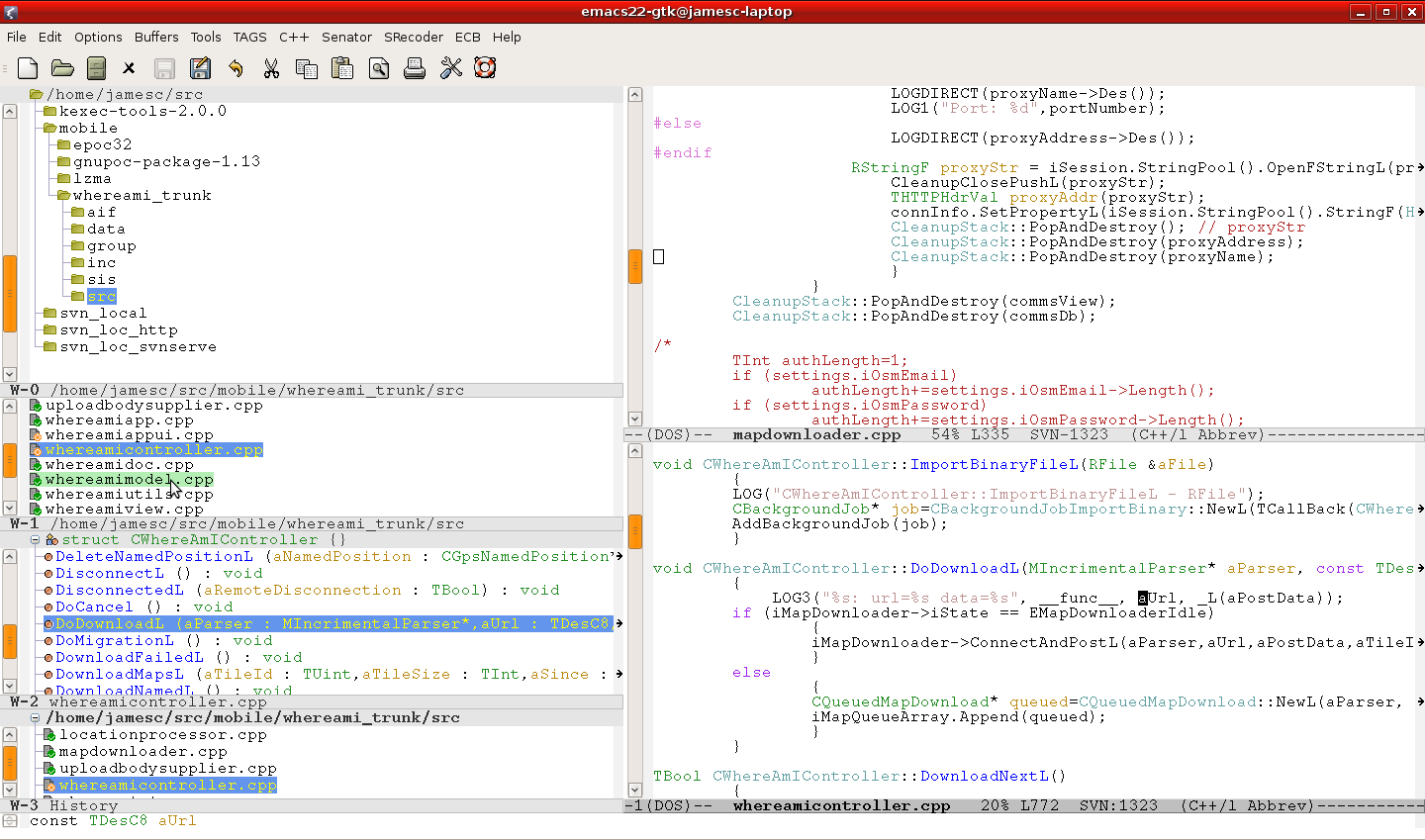
Simple example with red box from this: https://alexwlchan.net/2024/big-pdf/?utm_source=tldrnewsletter "it got very fiddly to redo all the lookup tables!" Not kidding. Emacs function by someone on stack-overflow wh/byte-offset-at-point helps to fix up pointers. xref table and lengths are redundant in modern day, older devices would have benefited from them maybe but marginally, easy for software to re-calc and write these, it makes editing pdf files by hand and passing between dos and unix formats awkward.
This file, we can call basicPDFMess2.pdf is not quite minimum but close to, eventually figured out how to get text in, needed to specify font and have some font objects linked in a certain way. Text plus red box in stream example. Some redundant objects left in there.
%PDF-1.6
% The first object. The start of every object is marked by:
%
% <object number> <generation number> obj
%
% (The generation number is used for versioning, and is usually 0.)
%
% This is object 1, so it starts as `1 0 obj`. The second object will
% start with `2 0 obj`, then `3 0 obj`, and so on. The end of each object
% is marked by `endobj`.
%
% This is a "stream" object that draws a shape. First I specify the
% length of the stream (54 bytes). Then I select a colour as an
% RGB value (`1 0 0 RG` = red), then I set a line width (`5 w`) and
% finally I give it a series of coordinates for drawing the square:
%
% (100, 100) ----> (200, 100)
% |
% [s = start] |
% ^ |
% | |
% | v
% (100, 200) <---- (200, 200)
%
1 0 obj
<<
/Length 54
>>
stream
1 0 0 RG
5 w
100 100 m
200 100 l
200 200 l
100 200 l
s
endstream
endobj
% The second object.
%
% This is a "Page" object that defines a single page. It contains a
% single object: object 1, the red square. This is the line `1 0 R`.
%
% The "R" means "Reference", and `1 0 R` is saying "look at object number 1
% with generation number 0" -- and object 1 is the red square.
%
% It also points to a "Pages" object that contains the information about
% all the pages in the PDF -- this is the reference `3 0 R`.
% Resources - James - Font stuff.
2 0 obj
<<
/Type /Page
/Parent 3 0 R
/MediaBox [0 0 320 500]
/Contents [11 0 R 10 0 R]
/Resources 13 0 R
>>
endobj
% The third object.
%
% This is a "Pages" object that contains information about the different
% pages. The `2 0 R` is reference to the "Page" object, defined above.
3 0 obj
<<
/Type /Pages
/Kids [2 0 R ]
/Count 1
>>
endobj
% The fourth object.
%
% This is a "Catalog" object that provides the main structure of the PDF.
% It points to a "Pages" object that contains information about the
% different pages -- this is the reference `3 0 R`.
4 0 obj
<<
/Type /Catalog
/Pages 3 0 R
>>
endobj
% The fifth object - James
5 0 obj
<<
/Title (James Test PDF Title)
/Producer (James hand edit emacs)
>>
endobj
% The sixth object - text/link - James
6 0 obj
<</Type /Annot
/Subtype /Link
/F 4
/Border [0 0 0]
/Rect [124.275841 211.32483 458.5228 223.97375]
/A <</Type /Action
/S /URI
/URI (https://www.openstreetmap.org/#map=16/53.5400/-9.3001&layers=Y)>>>>
endobj
% text objects
7 0 obj
(simple text example)
endobj
8 0 obj
(text with curly refs in here:{} and here:{})
endobj
% Thank you http://preserve.mactech.com/articles/mactech/Vol.15/15.09/PDFIntro/index.html
% Since the stream consists of displayable text,
% it is bracketed by the page-markup operators BT and ET, for "begin text" and "end text."
% The line beginning with /F4 says to find and load Font No. 1 in 12-pt size.
% The next line begins with 72 712 Td, which means position the text at (x,y) = (72, 712) in user space,
% which is one inch to the right of the page's left edge and approximately ten inches up from the bottom edge.
% The text itself is given as a string followed by the display text operator, Tj.
9 0 obj
<<
/Length 51
>>
stream
BT
/F4 12 Tf
30 100 Td (A short text stream.) Tj
ET
endstream
endobj
10 0 obj
<<
/Length 234
>>
stream
BT
/F4 1 Tf
12 0 0 12 50.64 73.152 Tm
0 0 0 rg
BX /GS2 gs EX
0 Tc
0 Tw
[(text before red square in same stream)] Tj
ET
1 0 0 RG
5 w
100 100 m
200 100 l
200 200 l
100 200 l
s
1 0 0 RG
BT (text after red square in same stream) ET
endstream
endobj
11 0 obj
<<
/Length 171
>>
stream
BT
/F4 1 Tf
12 0 0 12 50.64 73.152 Tm
0 0 0 rg
BX /GS2 gs EX
0 Tc
0 Tw
[(This is 12-point )10(T)41(imes. )18(This sentence will appear \n\r some where,
who knows.)]TJ
ET
BT
/F4 1 Tf
10 0 0 12 45.00 13.00 Tm
0 0 0.1 rg
BX /GS2 gs EX
0 Tc
0 Tw
[(This is 10-point Times. This sentence will appear some where else? 45x13 )]TJ
ET
BT
/F4 1 Tf
8 0 0 12 15.00 99.00 Tm
0 0.2 0.2 rg
BX /GS2 gs EX
0 Tc
0 Tw
[(This is 8-point Times. This sentence will appear some where else? 15x99 )]TJ
ET
BT
/F4 1 Tf
8 0 0 12 5.00 199.00 Tm
0 0.4 0.4 rg
BX /GS2 gs EX
0 Tc
0 Tw
[(8pt 0/.4/.4 Times 5x199 )]TJ
ET
BT
/F4 1 Tf
8 0 0 12 5.00 220.00 Tm
0 0.4 0.4 rg
BX /GS2 gs EX
0 Tc
0 Tw
[(8pt 0/.4/.4 Times 5x220 )]TJ
ET
BT
/F4 1 Tf
8 0 0 12 5.00 240.00 Tm
[(Times 5x240 )]TJ
ET
BT /F4 1 Tf 8 0 0 12 5.00 260.00 Tm[(Times 5x260 )]TJ ET
BT /F4 1 Tf 8 0 0 12 105.00 260.00 Tm[(Times 105x260 )]TJ ET
BT /F4 1 Tf 8 0 0 12 205.00 260.00 Tm[(Times 205x260 )]TJ ET
BT /F4 1 Tf 8 0 0 12 305.00 260.00 Tm[(Times 305x260 )]TJ ET
BT /F4 1 Tf 8 0 0 12 305.00 260.00 Tm[(305x260 )]TJ ET
endstream
endobj
12 0 obj
<<
/Type /Font
/Subtype /Type1
/Name /F4
/BaseFont /Times-Roman
>>
endobj
13 0 obj
<<
/ProcSet [/PDF /Text ]
/Font <<
/F4 12 0 R
>>
/ExtGState <<
/GS2 14 0 R
>>
>>
endobj
14 0 obj
<<
/Type /ExtGState
/SA false
/OP true
/HT /Default
>>
endobj
% The xref table. This is a lookup table for all the objects.
%
% I'm not entirely sure what the first entry is for, but it seems to be
% important. The remaining entries correspond to the objects I created.
xref
0 14
0000000000 65535 f
0000000851 00000 n
0000001430 00000 n
0000001717 00000 n
0000001996 00000 n
0000002075 00000 n
0000002202 00000 n
0000002434 00000 n
0000002471 00000 n
0000003144 00000 n
0000003246 00000 n
0000003526 00000 n
0000004648 00000 n
0000004731 00000 n
0000004828 00000 n
% The trailer. This contains some metadata about the PDF. Here there
% are two entries, which tell us that:
%
% - There are 4 entries in the `xref` table.
% - The root of the document is object 4 (the "Catalog" object)
%
trailer
<<
/Size 4
/Root 4 0 R
/Info 5 0 R
>>
% The startxref marker tells us that we can find the xref table 2196 bytes
% after the start of the file.
startxref
5110
% James - Mess - we can probably add comments after the xref table without hassle of adjusting pointers.
% From https://alexwlchan.net/2024/big-pdf/?utm_source=tldrnewsletter
% "it got very fiddly to redo all the lookup tables!"
% editing in Emacs FTW :-) loads Doc view mode by default, select M-x text-mode to see source, M-x doc-view-mode
% C-x C-q (read-only-mode). After switching to and from doc-view-mode
% WARNING WARNING WARNING emacs doc-view mode doesn't like something in these comments WARNING WARNING WARNING
% (add-to-list 'global-mode-string '(" %i"))
% M-x column-number-mode
% M-x count-words-region == M-= "Region has 4 lines, x words, 87 chars" helps with pointer math
% e.g. count-words-region from start to "4 0 obj" shows "1934" which is pointer value you need
% e.g. count-words-region from start to "5 0 obj" shows "1986" which is pointer value you need
% e.g. MOST USEFUL:
% (defun wh/byte-offset-at-point () "Report the byte offset (0-indexed) in the file corresponding to the position of point." (interactive) (message "byte offset: %d" (1- (position-bytes (point)))))
%
% HOW to add comment (or, indeed, object):
% 0. Adding comments % + SPACE + COMMENT near end after xref table ok without adjusting xref pointers
% 1. Adding comments before that => every pointer to obj after comment + startxref pointer need to be adjusted.
% HOW to add an object:
% 0. let's add a title object "5 0 obj" after our last "4 0 obj"
% 5 0 obj
% <</Title (James Test PDF Title)
% /Producer (James hand edit emacs)>>
% endobj
% 1. The reference to this title object is in trailer trailer after Root e.g. /Info 5 0 R
% addition here in a place it is after all objects and xref table so no pointers need adjusting for that
% 2. LENGTHS including 1 byte for EOL 8 + 32 + 36 + 7 = 83 + 1 blank line = 84
% Ctrl-Home Ctrl-Space (region select start) Ctrl-S "5 0 obj" ENTER Ctrl-A ESC-x count-words-region
% "Region has 60 lines, 419 words, 1986 chars"
% SO ADD THIS at end of xref table: 0000001986 00000 n
% ALSO increment the xref table count, after xref, e.g. change "0 4" to "0 5"
% HOW, can we add some text or link to page ?
% 0. add The sixth object - text/link - James "6 0 obj"
% 1. Add at end of xref table and increment xref table count
% test rendering -> pdf ok text not linked anywhere
% 2. Within Page object "2 0 obj"
% e.g. Balally scouts PDF one Page: and 16 0 obj is ref to one of the text links
% 2 0 obj
% <</Type /Page
% /Resources <</ProcSet [/PDF /Text /ImageB /ImageC /ImageI]
% /ExtGState <</G3 3 0 R
% /G5 5 0 R>>
% /XObject <</X6 6 0 R>>
% /Font <</F4 4 0 R>>>>
% /MediaBox [0 0 612 792]
% /Annots [8 0 R 9 0 R 10 0 R 11 0 R 12 0 R 13 0 R 14 0 R 15 0 R 16 0 R 17 0 R]
% /Contents 18 0 R
% /StructParents 0
% /Parent 31 0 R>>
% endobj
% e.g. compare with basicPDFMess2.pdf Page
% 2 0 obj
% <<
% /Type /Page
% /Parent 3 0 R
% /MediaBox [0 0 300 300]
% /Annots [6 0 R] <<<<<<<<<< adding this TOO SIMPLE .. link/text not showing. Probably text in one of the binary streams .. also Fonts n stuff need specifying.
% /Contents 1 0 R
% >>
% endobj
% 3. Now need to adjust all xref table pointers after "2 0 obj" and the xref table pointer also
% Search from start of file to obj - use count-words-region each time
% 2.1 try /Title (TestTi) instead of /Annots [6 0 R] -:> nope
% 2.2 add objs with just text and try: /Title 7 0 R -:> nope
% 2.3 can we change /Contents to array ? change from "/Contents 1 0 R" to "/Contents [1 0 R 7 0 R]"
% /Contents [1 0 R] works ok but not /Contents [1 0 R 7 0 R] /Contents [7 0 R]
% 2.4 change /Contents to text stream "/Contents [9 0 R]" ? NAH. Can't see the text. "/Contents [1 0 R 9 0 R]"
% 2.5 add more Font objects 12/13/14, see TwoPagePDFFile_example_mactechdotcom.pdf test working in there
% /Contents [11 0 R 10 0 R] # stream with test, stream with text + red box
% /Resources 13 0 R # and Resources points to PrecSet which references font
% From https://alexwlchan.net/2024/big-pdf/?utm_source=tldrnewsletter
% "it got very fiddly to redo all the lookup tables!"
% https://help.callassoftware.com/a/798383-how-to-create-a-simple-pdf-file
% https://superuser.com/questions/300405/is-it-possible-to-edit-a-pdf-file-directly
% https://www.oreilly.com/library/view/pdf-explained/9781449321581/ch04.html
% https://superuser.com/questions/1045351/pdf-corrupt-after-opening-and-saving-in-raw-text
% The end-of-file marker.
%%EOF
This is good for a quick start: https://www.oreilly.com/library/view/pdf-explained/9781449321581/ch04.html
https://en.wikipedia.org/wiki/PDF
This is good example with strings, almost as simple as possible: http://preserve.mactech.com/articles/mactech/Vol.15/15.09/PDFIntro/index.html
The standard has lots of info and helps a bit but it's still hard to pull it together and understand what is needed to have working doc/text: https://opensource.adobe.com/dc-acrobat-sdk-docs/pdfstandards/PDF32000_2008.pdf